Цей гід ще недоступний вашою мовою — показуємо англійську версію.
How to Keep a Spare Outfit in Your Car in GTA 6
By the CouchVolt Team
To keep a spare outfit in your car in GTA 6, save two clearly different looks as presets at a wardrobe, highlight one and press Square (X on Xbox) to add it to the trunk. When the police are after your description, open the trunk and change. The clothing clue drops off your heat.
Why a spare outfit clears your heat
The police in GTA 6 track what you wear: your clothing is one of the clues feeding the heat meter. Swap into a different look and that clue is gone, with no chase. Your car can still be recognised, so change cars too if it was seen.
How to stash a spare outfit, step by step
- 01
Go to a wardrobe and open it. The one in your safehouse works; some creators also use the changing room at a clothing store.
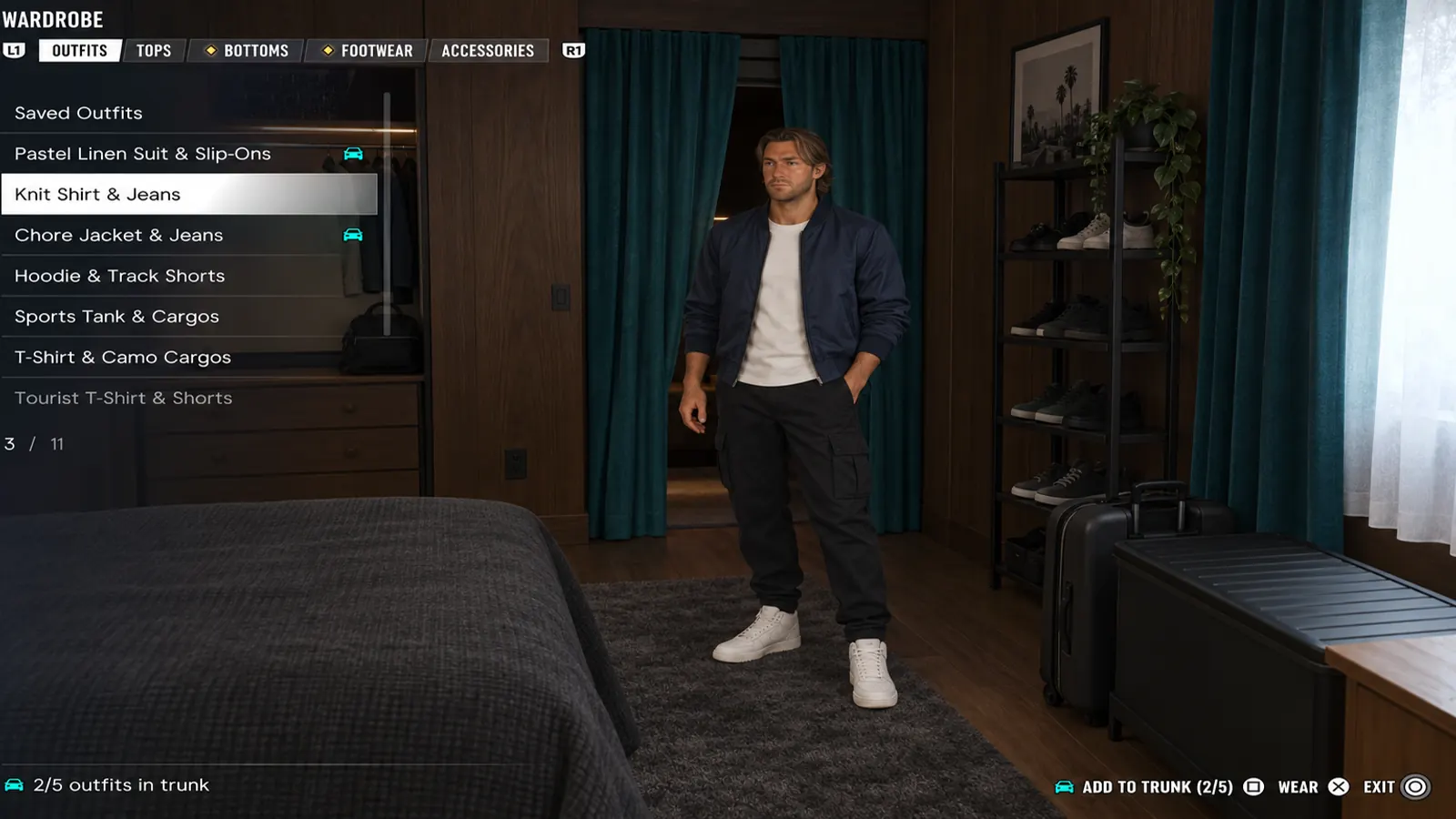
Menu as shown by gameranx, repainted - 02
Build two looks that are nothing alike: an everyday outfit and a completely different one for jobs. If they look too similar, changing won't clear anything.
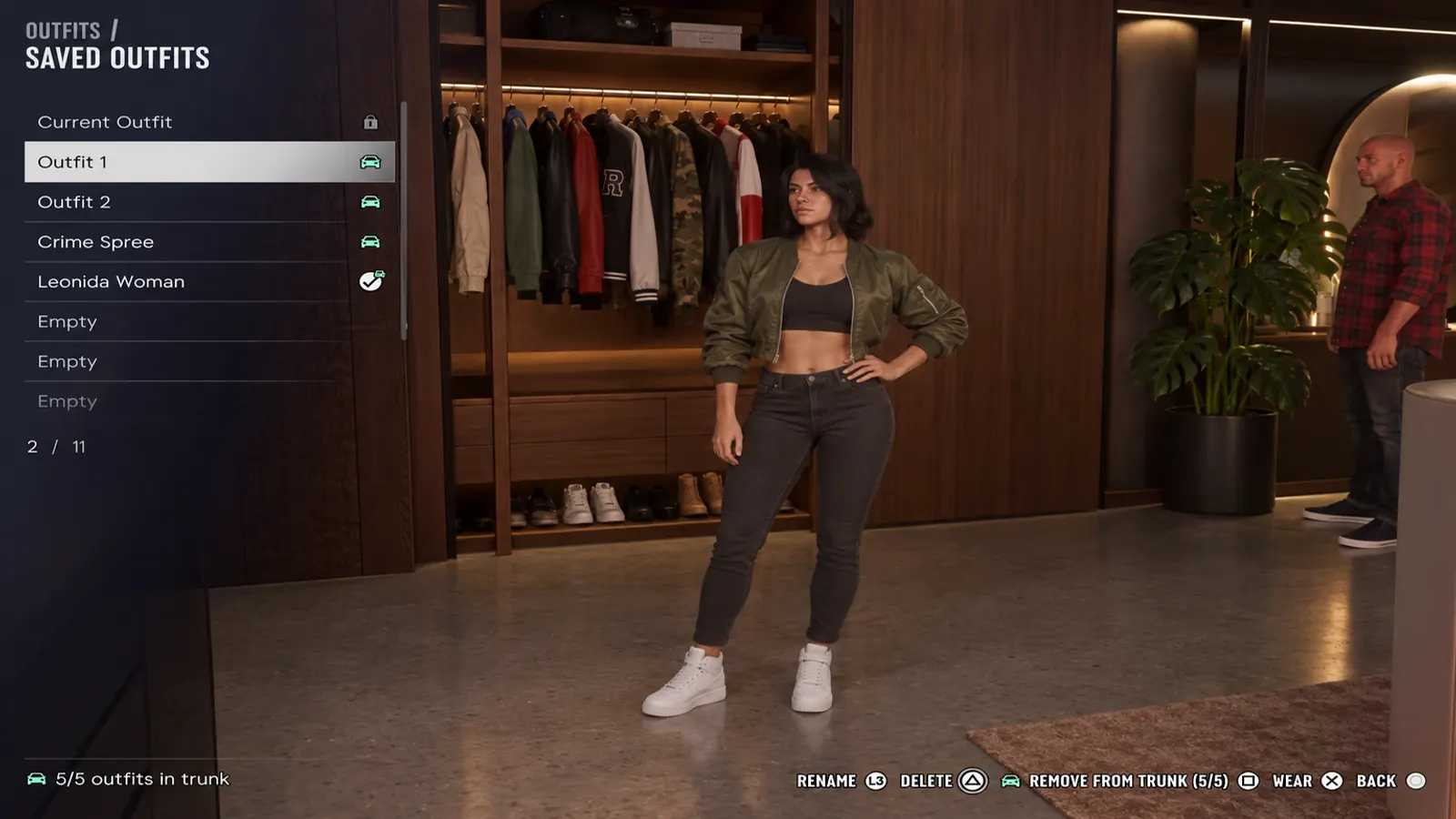
Menu as shown by Gamers Heroes, repainted - 03
Save each look as a preset on the Saved Outfits tab and give it a name you'll spot in a hurry. You rename a preset with L3.
WardrobeSaved Outfits
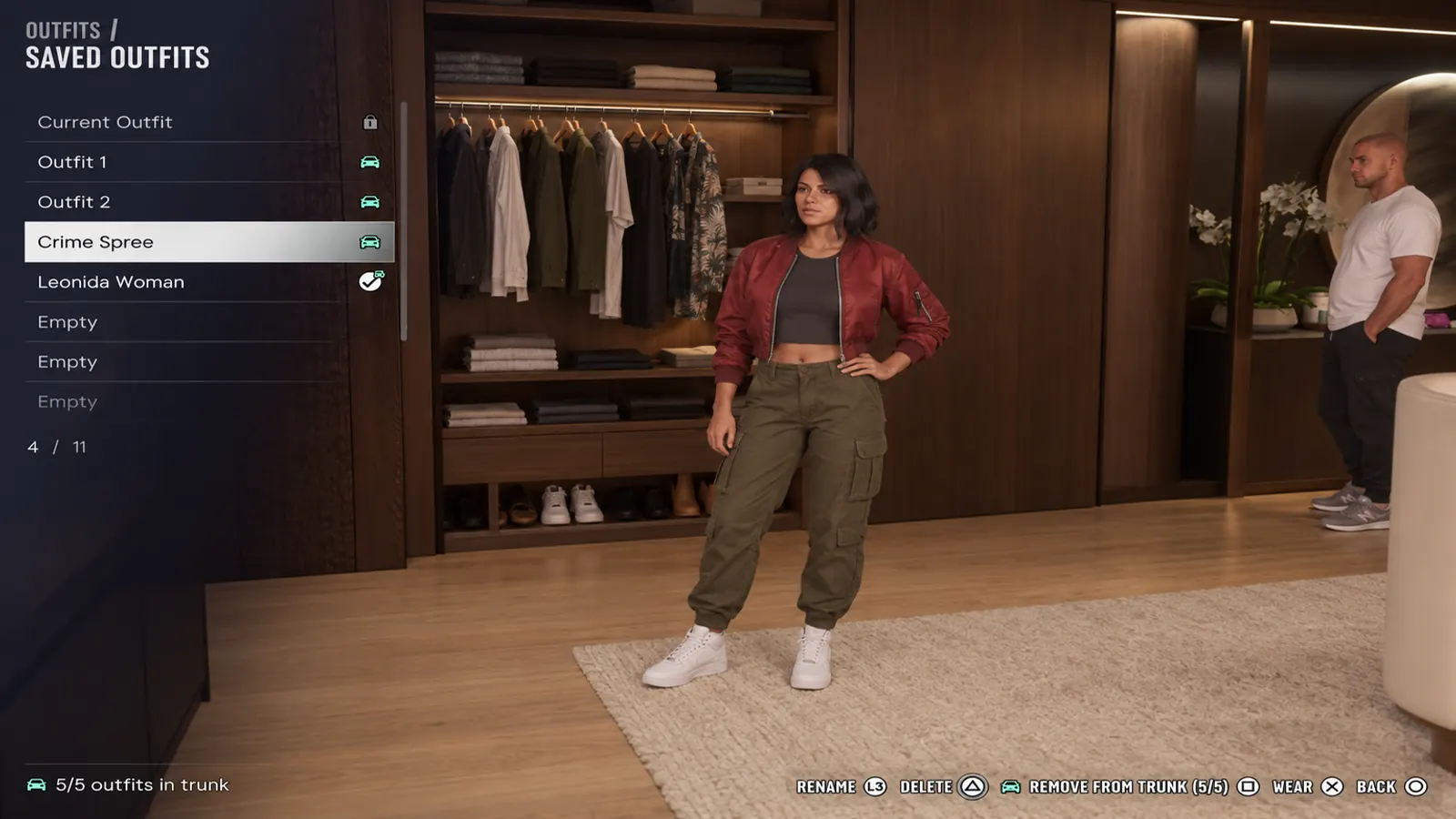
Menu as shown by Gamers Heroes, repainted - 04
Highlight a saved outfit and press Square on PlayStation or X on Xbox. A small blue car icon appears next to it: that outfit now rides in your trunk. The trunk holds up to five. Switch characters and do the same for the other one.
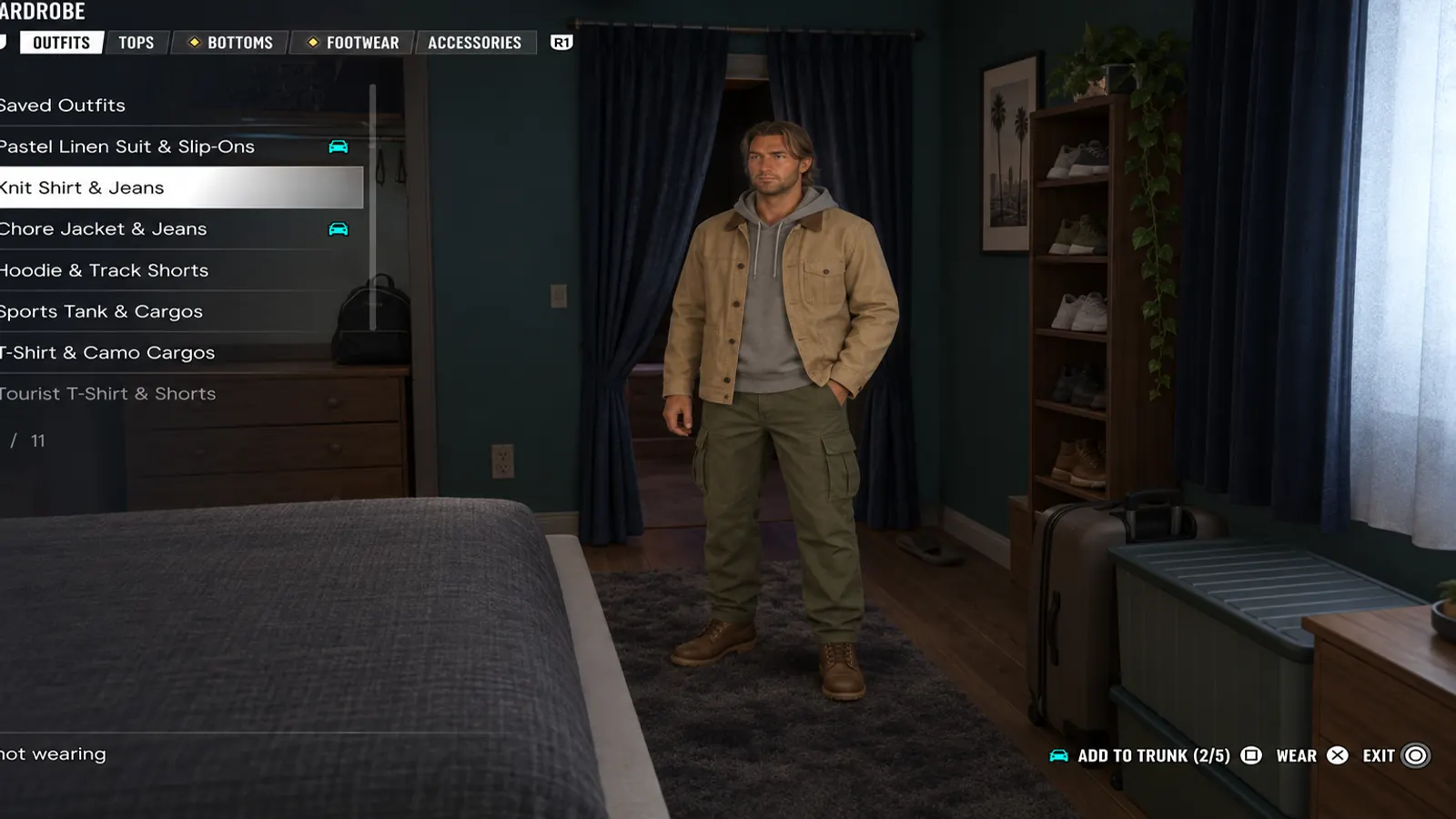
Menu as shown by gameranx, repainted - 05
When the heat is on, get to your car and stand at the trunk. Hold L1 for the wheel, tap L1 to move to Items, and open Outfits, the clothes hanger icon. Scroll with L2 and R2 and pick your other look.
TrunkItemsOutfits
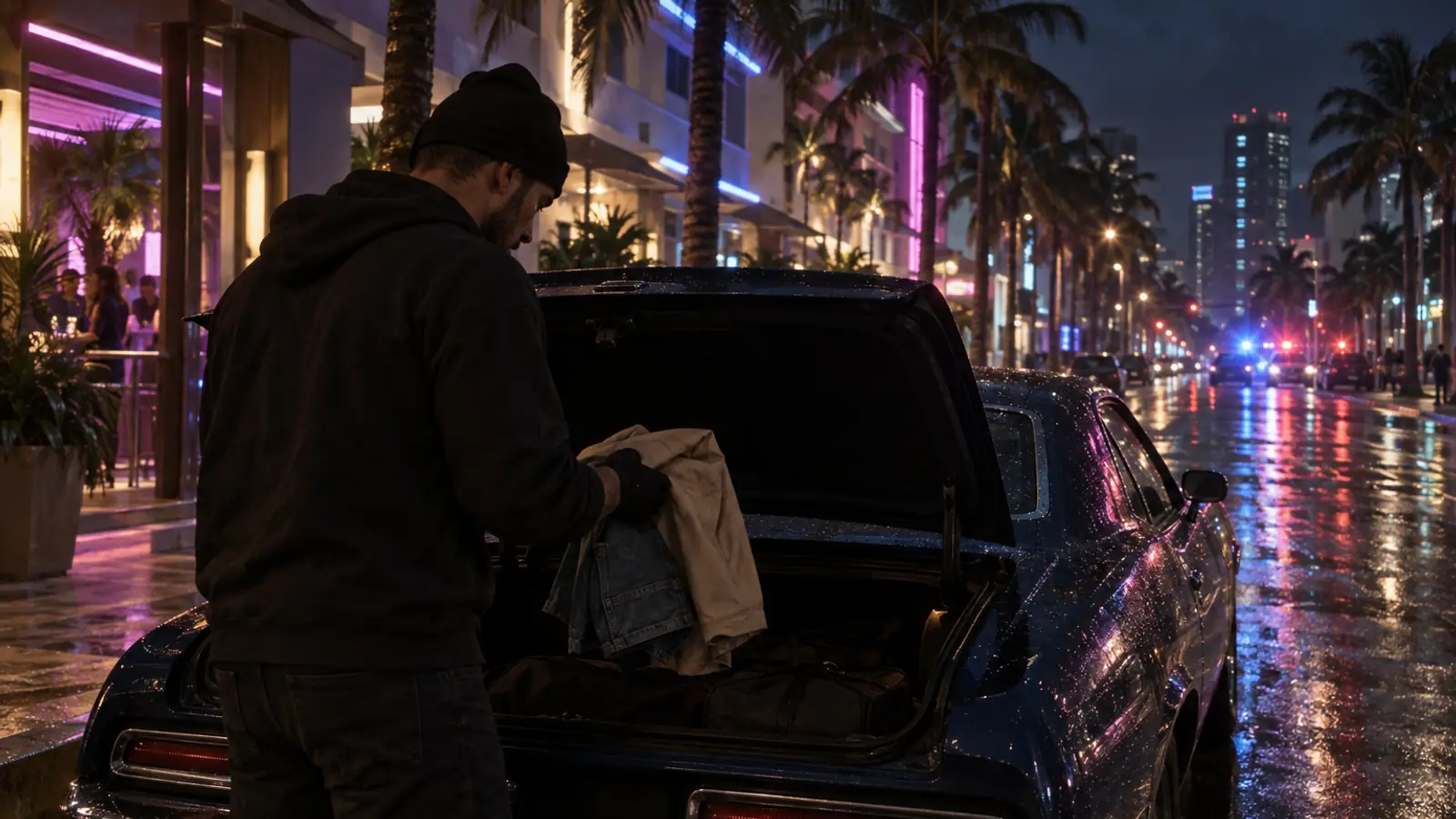
AI illustration, not a game screenshot
What people get wrong
- Two outfits that look alike. The swap only clears the clue when the looks are clearly different.
- Trying to change while sitting in the car. Inside you can only toggle accessories like sunglasses, not a full outfit.
- An empty trunk. Set it up before the job, not during the chase.
- Scrolling past the outfit option. The item wheel is crowded and the hanger icon is easy to miss.
- Forgetting the car. A changed outfit doesn't help if the police recognise the car you're in.
Related guides
Sources
We write the guides in our own words from what several creators show. The links go to the creator's video at the relevant moment.
- Gamers Heroes0:47
- gameranx14:48
- BennyCentral20:25
- TGG6:19
- Bigunctron3:58
Want to play GTA 6 online on PC, or anywhere?
CouchVolt streams a real console to your PC, Mac, phone or TV. Sign in with your own Xbox or PlayStation account and play the copy of GTA 6 you own.
Create free accountCouchVolt is independent and not affiliated with Rockstar Games or Take-Two Interactive. Game names belong to their owners.