Cloud Gaming GTA 6 - How to Play from Any Device
Guides by device
On this page
- Can You Play GTA 6 Through Cloud Gaming?
- Get Ready for GTA 6 With CouchVolt
- Why Choose CouchVolt for GTA 6 Cloud Gaming?
- How to Play GTA 6 With CouchVolt
- Can You Play GTA 6 on Any Device?
- What Internet Speed Do You Need for GTA 6 Cloud Gaming?
- Is GTA 6 Available on GeForce NOW or Xbox Cloud Gaming?
- Is CouchVolt Free to Use?
- Is Cloud Gaming the Best Way to Play GTA 6?
- Frequently Asked Questions
GTA 6 (Grand Theft Auto VI) is by far one of the most awaited games in history with millions of fans waiting to play. This means that there are all kinds of users waiting for the game and with that a lot of different consoles which for a long time were not confirmed. As the final date is November 19, 2026, Take-Two's pre-order release says the game launches on PlayStation 5 and Xbox Series X|S. This leaves a huge audience which plays on PC without the possibility to play on the release date. However, with CouchVolt you can play GTA 6 without spending hundreds of dollars or giving up on the full experience of playing.
Can You Play GTA 6 Through Cloud Gaming?
Definitely, GTA 6 can be played using a supported cloud gaming service. However, choosing the right service will play a huge part in having a good experience while playing. Not every cloud service will carry the game on November 19, and a service that does may only reach certain consoles or accounts. Which service, and on which device, is covered further down.
Get Ready for GTA 6 With CouchVolt
Don’t let the fact that GTA 6 is not available for PC or Mac stop you from playing GTA 6. Get started with CouchVolt today and start playing your favourite games from the comfort of your own machine.
With GTA 6 launching on November 19, there's little reason to purchase a new console that is hard to find as resellers are taking advantage of the situation. Get started today in minutes.
As we know by now, PC and Mac users have no option to play, as the game first needs to expand and become available to run natively on their respective OS systems. This is where CouchVolt becomes a handy solution to run the game without buying a physical console; this saves time and also lets you play with the same feeling as you would do if you had an Xbox or PlayStation.
One important thing to notice is the fact that you are playing over the internet, which itself needs to meet certain requirements regarding the internet connection. Nevertheless, if your goal is to play the game, this is an excellent option for someone who wants to play the game while it waits for the game to be available on their own device.
Why Choose CouchVolt for GTA 6 Cloud Gaming?
Most people think of Cloud Gaming with services like Xbox Cloud Gaming or GeForce as they are the most well known in the market. This means that alternative services like CouchVolt are left behind which offer at first look like the same service but use a somewhat different setup which might be interesting for some users.
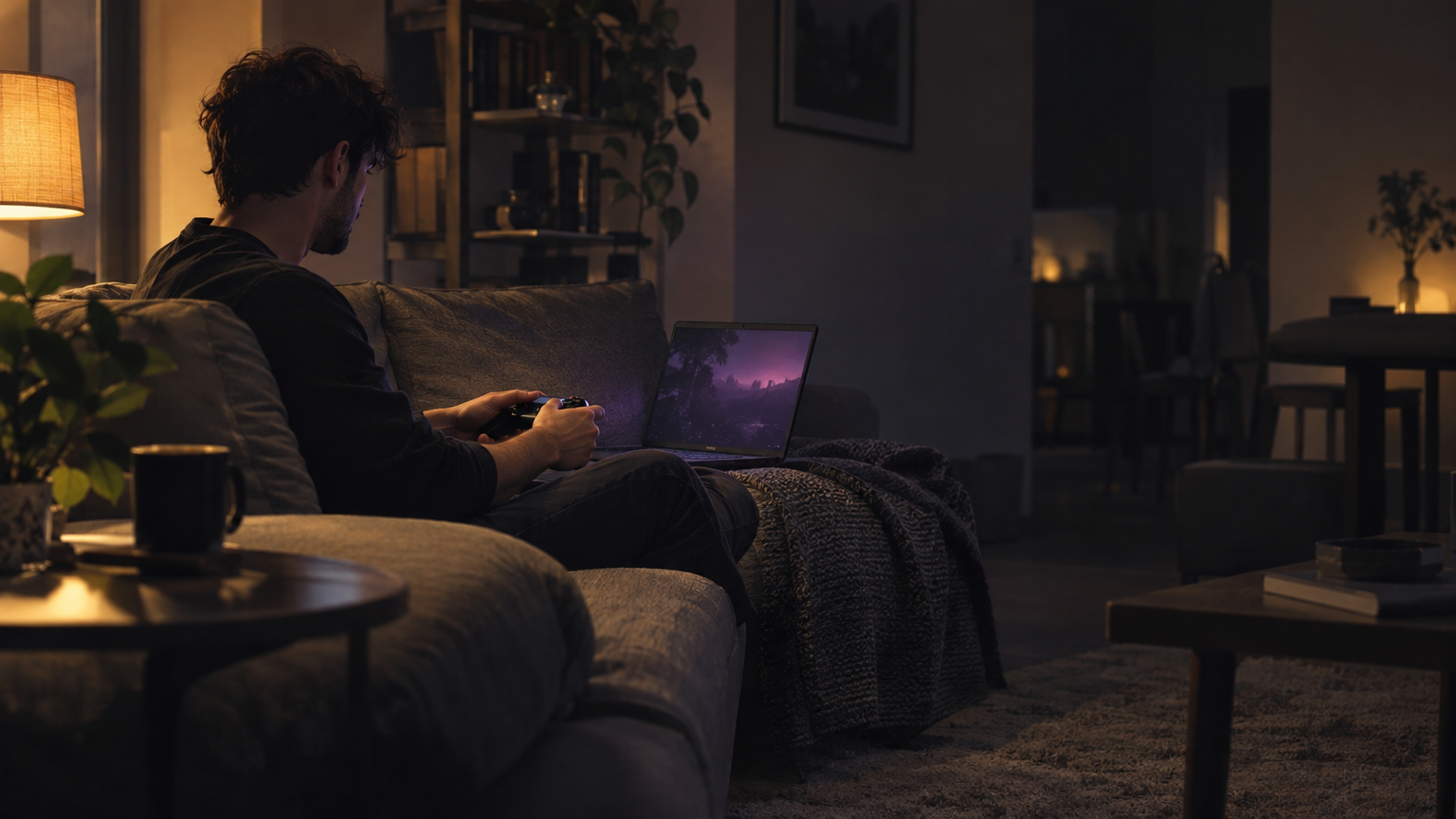
With CouchVolt you don’t have to give up on the real experience; we do not emulate or run a modified version of the game which a lot of services use. Our goal is to provide a 1:1 experience by running the latest hardware and software so you can feel like you are playing on PlayStation or Xbox.
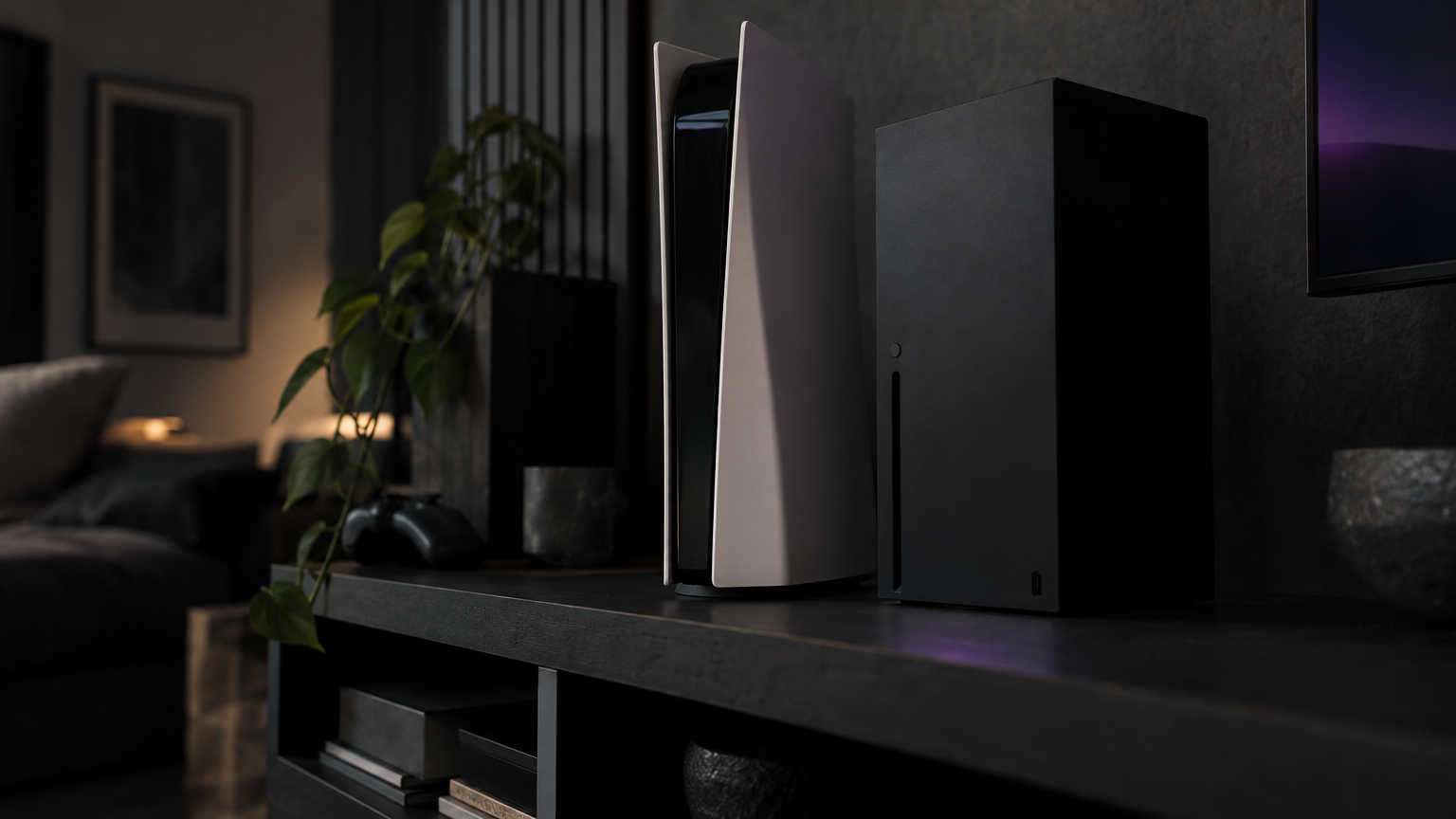
Access to Real PS5, PS5 Pro, and Xbox Series X Hardware
One of our main objectives is that the user has the same experience as playing the real game; that’s why we have acquired the following machines which you can use paying only a fraction of the cost.
PS5 Pro
- What it offers
- Sony's upgraded console, with enhanced GTA 6 visuals including PSSR and ray-traced shadows
PS5
- What it offers
- The standard PlayStation 5 version, including GTA 6's supported DualSense features
Xbox Series X
- What it offers
- Microsoft's console version, accessible through your Xbox account
Note: We don’t only offer this service for GTA 6; these machines can run any game that you own digitally. Choosing the right one will depend on you and what you are used to. However, if your goal is to enjoy GTA 6, we recommend that you choose the PS5 Pro. PlayStation's page for the game says the Pro version adds improved clarity through PSSR and ray-traced shadows. That is an image-quality difference, not a higher frame rate.
Warning: if you already own an Xbox version of the game, it will not run on PS5 and vice versa. CouchVolt is not responsible for any games you purchase; our service only focuses on providing the hardware that you play on. Anything that you do with your account is your responsibility.
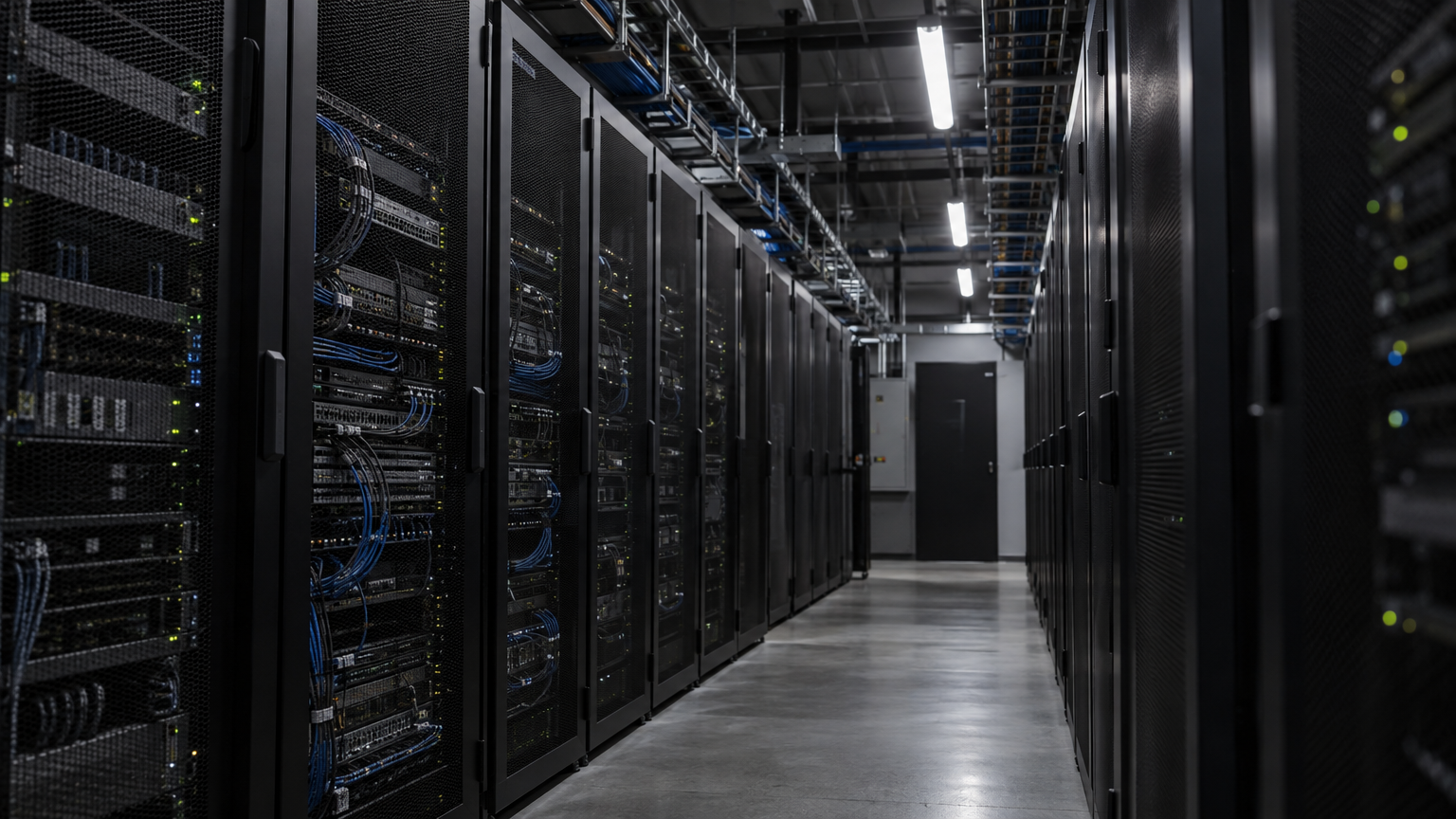
Data Centers in Different Regions
Distance matters more than you think in services like cloud gaming. Let’s take for example a simple action such as driving a car in the game: when you press the accelerator in the game, your controller sends a command over the internet to the machine. The console gets the action and sends an updated image back to the user.
At first glance it might not sound like a big deal. However, the distance the console is located will define how long it will travel and ping back to the user. This means that if the console is too far away it will take longer to receive and send the action back which might affect your experience.
CouchVolt currently operates 12 data centers all across the world in Europe, the Americas, Asia, and Oceania. This gives us a huge advantage to offer a good experience regardless of where you are.
Despite this huge advantage, remember that this is not all when using a cloud gaming service like CouchVolt. Your own internet connection and routing might play a huge role, so keep that in mind before playing.
Low Latency Is More Important Than You Think
Low latency it’s a key factor when playing any online game. We all have been there when playing a game online and suddenly you feel like it disconnects for a tiny fraction of a sec. It might not sound like anything that might affect the game but it makes all the difference between having a good experience and becoming frustrating over time.
It is important to note that latency doesn’t always correlate with your internet speed. A connection can post a high speed and still take longer to answer a button press. That delay depends on the route and the kind of link, and it is not the same on every satellite or wireless setup. Always prefer a stable connection with low latency over speed.
Advice: For any streaming activity, we fully recommend using a cable connection over WiFi.
High-Quality Video Streaming: Up to 4K at 120 FPS
We don’t only focus on offering a fast connection to the consoles but also have the best quality so you get the closest experience to play with up to 4K resolution and 120 FPS.
PS5 Pro
- CouchVolt's advertised video stream
- Up to 4K / 120 FPS
PS5
- CouchVolt's advertised video stream
- Up to 4K / 120 FPS
Xbox Series X
- CouchVolt's advertised video stream
- Up to 4K / 120 FPS
Keep in mind: these are specifications that are general for the machines, the real experience will come from the game itself and what it supports. On November 10, 2026, Rockstar said the console versions target 30 frames per second. A stream that can carry 120 FPS does not make the game render faster than that.
Playing With a Console Controller
If you are used to playing with your own controller or if you have an Xbox or PlayStation, you can connect it via USB or Bluetooth. We know this is a big concern as some other services might not allow it or simply not be compatible.
We have ensured this option is available to the user as we understand it is really important for games such as GTA 6 as it is an open world and it was clearly designed to be played with a controller.
On a PS5, the game uses the DualSense haptics, adaptive triggers, and controller speaker. Those belong to the console version. A controller plugged into the device you are streaming on covers the sticks and buttons. Do not assume the speaker and the adaptive triggers come through every browser.
How to Play GTA 6 With CouchVolt
CouchVolt was designed with the pure intention to make it simple and to do everything from your browser. No installations, emulators, or crazy requirements are needed to get started. Just follow the steps below to get ready.
- 01
Create your Account with CouchVolt
Create free accountTo get started with CouchVolt you will first need to create an account with us. Creating your account is free and only takes a few seconds; no credit card or 2FA is required to register. Please use a real email as you will get a code to verify your account.
- 02
Activate your plan
Now that you have access to your account and your dashboard, complete the steps to get full access to the services. This will only take a few minutes and will grant you access to all services available.
- 03
Select your Console
Now it’s time to select your console. This is as simple as selecting the machine that works best for you. Remember that you need to sign up to your account, so please choose carefully the console as well as search for the closest location to you to ensure a better experience.
- 04
Connect Your Controller
Connect a compatible PlayStation or Xbox controller to your computer through USB or Bluetooth to get started. Choosing the right controller will handle the game, so make sure that you are familiar with it.
- 05
Sign In With Your Gaming Account
Now it’s time to play, simply sign in with your existing gaming account and let the machines run it for you. Remember that it will run any game that you own so make sure you have it in your library to stream it.
Can You Play GTA 6 on Any Device?
Not really, GTA 6 is only available on the release date for Xbox and PlayStation if you want to play with your own hardware, but cloud gaming makes GTA 6 available to a broader audience.
Just because you don’t want to spend hundreds on a new console or simply because it is out of stock, it doesn’t mean you need to wait months before playing. Cloud gaming with CouchVolt is the way to go if you want to play GTA 6 now.
Play GTA 6 on Windows PC or Laptop
As we know, GTA 6 is not yet available for Windows and that leaves a good chunk of the gaming world out of the possibility to play the game. However, even if the game is available, a lot of users simply don’t have the requirements to play it.
This is where CouchVolt comes in handy, as no crazy requirements are needed to play. This can be done all from your browser and with your own controller. This is a huge advantage for those that may not have a gaming computer so they don’t miss out on anything. The Windows guide also covers Remote Play from a console you already own.
Play GTA 6 on MacBook, Mac mini, or iMac
MacOS isn’t particularly a popular operating system for gaming, it focuses more on productivity and video editing. This often can be seen on higher end versions like the MacBook Pro; you won’t be able to simply install a game and get going.
A way around this issue has to do with virtual machines or console emulation software that are not fully intended to run on these machines. That’s why cloud gaming with platforms like CouchVolt is one of the best options for playing as your Mac is just receiving the game stream and not using crazy resources to simply run the game. The Mac guide stays with that browser path, with no Windows install.
Play GTA 6 on Chromebook
A Chromebook is by far the last device to come to mind when talking about playing GTA 6. Most Chromebooks are mostly designed to browse the web and do simple tasks on the go.
But here is where it becomes interesting, as Chromebooks are designed mainly to browse the internet and are optimized for that, it means that you can use CouchVolt to play GTA 6 with little to no limitations.
Play GTA 6 on a Smart TV
What if it was possible to play GTA 6 on your TV without any crazy console? This is now a reality with CouchVolt and their cloud gaming experience. Remember that this is only available for Smart TV browsers.
Can You Play GTA 6 on iPhone, Android, or iPad?
Yes, as CouchVolt is a web-based platform, your iPhone, Android or iPad is totally capable to run it. What we recommend is to have a decent internet connection and plug your device to a charger as it will consume a lot of battery. Nevertheless, it is totally possible and you can connect your own controller.
What Internet Speed Do You Need for GTA 6 Cloud Gaming?

There is not a magic speed that is required to use CouchVolt; however, we recommend at least 50 Mbps and a low latency; this means that a fiber and Ethernet connection is the way to go to avoid disconnecting from the game or feeling laggy. Do the following if available to you.
- Use Ethernet when possible. A wired connection is usually more consistent than Wi-Fi and helps avoid local wireless interference. Xbox's cloud-gaming setup guide makes the same point, and suggests 5 GHz Wi-Fi when a cable is not possible.
- Use 5 GHz Wi-Fi if you can't connect by cable. Stay relatively close to the router and avoid weak signals.
- Stop large downloads and backups. Other devices competing for bandwidth can introduce stuttering and latency spikes.
- Prioritize consistency over maximum resolution. If a 4K stream isn't stable, a lower resolution may feel considerably better.
Is GTA 6 Available on GeForce NOW or Xbox Cloud Gaming?
In the case of GeForce, GTA 6 is not yet available as their platform supports PC games. GeForce NOW streams PC games from stores such as Steam, so a title with no Windows version is not something it can run on release day. What a Windows PC can do that day is in the guide to playing GTA 6 on PC.
On the other hand, Microsoft has confirmed cloud streaming for launch. Xbox's announcement is for Xbox One and Xbox Series X|S, using Series S graphics when the game is streamed. It does not say the game streams to every phone, PC, or browser. It will also depend on your region and account eligibility, and the game has to be purchased separately.
Is CouchVolt Free to Use?
CouchVolt is an open platform where anyone can register for free and create an account. It does not require a credit card or anything out of the ordinary to get started with your account. You will get access to the dashboard where you can browse the different services offered in which you can choose the one that suits your needs.
Is Cloud Gaming the Best Way to Play GTA 6?
It all depends on what you already have; if you already own one of the consoles that Rockstar has announced, it doesn’t make much sense to jump into cloud gaming as you can get a native experience.
If you don’t own any console or you don’t want to pay the upfront price right up, platforms like CouchVolt become an interesting alternative to play GTA 6. It gives you access to different games you own for a fraction of the price and using the existing device that you have.
Frequently Asked Questions
Can I play GTA 6 on PC without buying a console?
Yes, the main point of services like CouchVolt is to eliminate the friction of not having the console and playing on your own PC. Remember to have a copy of the game in your library to play the game. The guide to playing GTA 6 on PC goes further on Remote Play and the launch-day limits.
Will GTA 6 run at 120 FPS with CouchVolt?
No, 120 FPS is the highest frame rate the stream supports. The gameplay quality always depends on the developer. GTA 6 targets 30 FPS on consoles. It could potentially change in the future, so the tool is ready to handle it when it may become available.
Can you play GTA 6 on Mac without installing Windows?
Yes, CouchVolt is a web-based tool, no downloads are needed and everything can be done from the browser. We don’t know so far, but we think it is unlikely Rockstar will announce a GTA 6 compatible with macOS. The guide to playing GTA 6 on Mac stays on that browser path.
Can I play GTA 6 for free through cloud gaming?
Not really. The game itself has to be bought. On Xbox, cloud playtime can be bought without a Game Pass subscription in supported markets, and a subscription is only one of the ways in. CouchVolt is not free to play either, but it is a fraction of the price of a console, with lifetime offers.
Do I need a powerful graphics card for GTA 6 cloud gaming?
No, remember that your device will only handle the streaming, the graphics and the hardware will be supported by us on one of our consoles available worldwide.
Do I need a controller to play GTA 6 on CouchVolt?
It is not strictly necessary to have a controller to get started with CouchVolt. However, games like GTA 6 are designed to be played with a controller so we do recommend to have one. Also don’t assume keyboard and mouse is supported for every console or game.