Why choose Cloud Gaming: The Good and the Bad
Хмарний геймінг GTA 6
На цій сторінці
Cloud gaming is the ability to play games online without the need of physical hardware with you at all times. This is all thanks to remote servers that allow you to stream games directly on your device without crazy specifications. Choosing the right cloud gaming platform is getting more complex by the day. As of today, there is no right answer for this question; it all depends on what you are looking for and what you are trying to play, your budget, and your expectations.
Cloud Gaming vs. Local Hardware
The difference between cloud gaming and local hardware has to do with where the games actually run. That would be the straight answer for this question, and one might think that playing on your local hardware is the right answer. While running a game on local hardware might feel smoother as everything is prepared for gaming, cloud gaming offers the advantage of playing on demand without the need of a console.
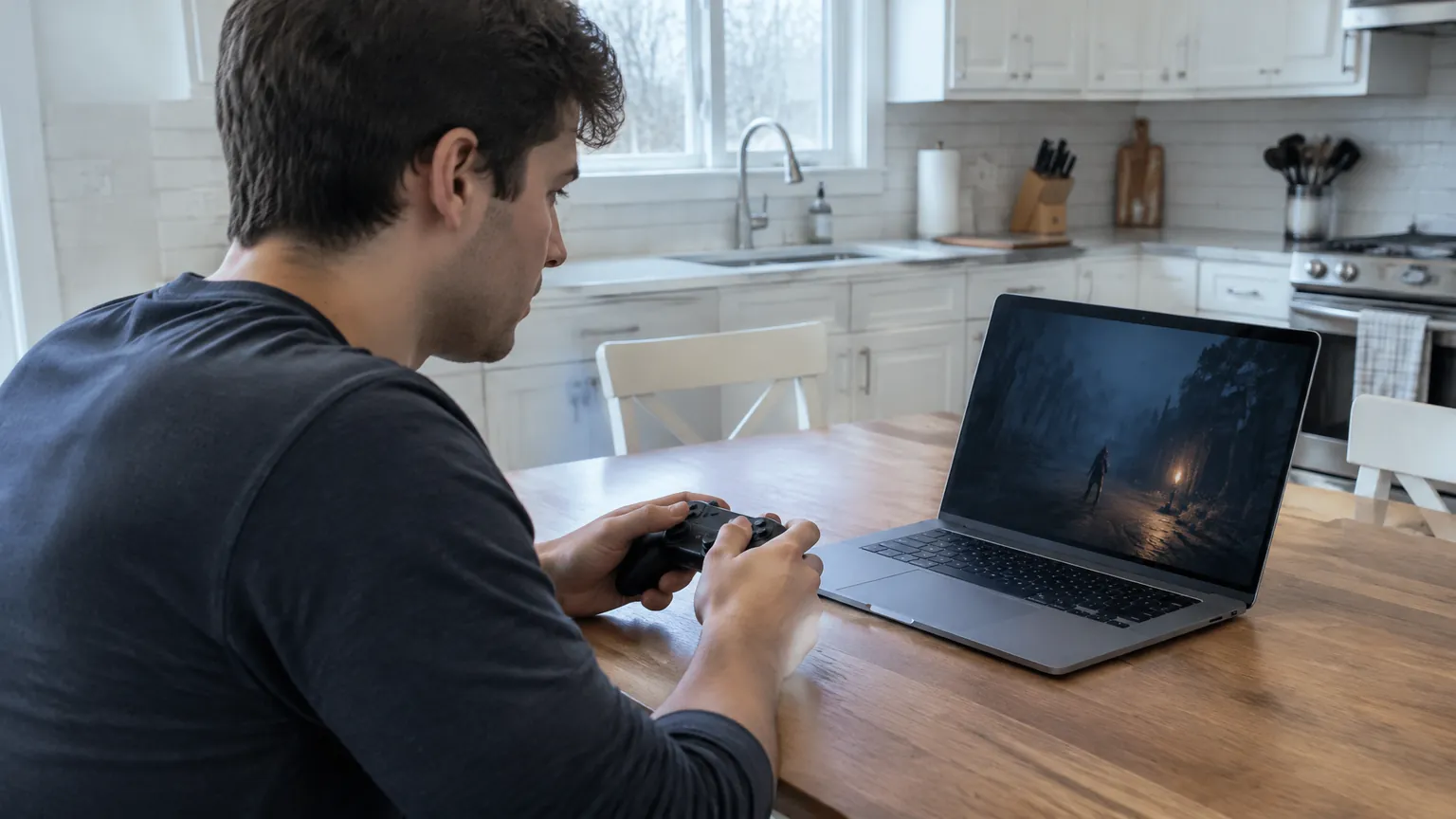
Cloud gaming allows all kinds of users with little upfront investment or crazy logistics to play games wherever they want. Nevertheless, the experience might be different from user to user as there are factors like your internet speed, latency and others that may affect the experience.
Platform Comparison
As users want to play their games without having to carry or deal with expensive consoles, there are plenty of platforms that now let you enjoy cloud gaming. We will go over the most well known ones and tell you the good and bad of each platform.
NVIDIA GeForce NOW
NVIDIA GeForce NOW is a cloud gaming platform that primarily focuses on PC gaming. As the name suggests, this service uses NVIDIA powered servers which are highly optimized when it comes to rendering the game in the cloud.
The service overall is a great choice if you want to play games from your own library on platforms such as Epic Games or Steam. This means that their main target is to offer a top quality experience for the user without wasting any effort in trying to bring a game catalog to their customers.
If you want to try it out, they have a free tier that allows you to play for up to 1 hour per session. If this is something that you find interesting, we invite you to go and check it out. They also have 2 more plans that range from 9.99 up to 19.99 which we think are a great deal if you are not ready to invest into a gaming PC.
Перейти до NVIDIA GeForce NOWMicrosoft Xbox Cloud Gaming
As the name suggests Microsoft Xbox Cloud Gaming is a service by Microsoft that allows you to play Xbox games directly from any device that can stream the video. This means that you could run games from your computer, tablet, and even mobile phone.
Unlike the Nvidia GeForce where it mainly focuses on the servers and not the games, Xbox Cloud Gaming provides access to a gaming catalog that is part of their Xbox Game Pass. It also supports existing games on your library, meaning that you are not limited to their catalog.
This service is only useful if you are an existing user of their ecosystem as they are limited to the games they support and regional restrictions. As for the prices for US-based customers their plans start at 9.99 and go up to 22.99.
As a personal opinion we believe their capping on cloud streaming is very limited. Gamers can only play 5 hours with their cheapest plan and the most they get is 15 with their 22.99. Keep in mind, the price is not only tied to the time they can use the cloud gaming service but also the catalog.
If you want to try out the service, they offer a free tier with limited access and advertisement. The free plan is very limited but if you like the service you can buy time within their platform as they have a pay-to-go system.
Перейти до Xbox Cloud GamingSony PlayStation Plus Premium
Sony PlayStation Plus Premium membership is the most expensive and most complete tier that they offer to the public. This subscription-based service offers a wide range of services including cloud gaming.
This service is mainly intended for those users interested in PlayStation exclusive titles without any limitations. It is important to say that the Cloud Gaming feature connects users to the Sony servers and has nothing to do with remote play that connects to your own console.
One main advantage that we see with this service is that it does not specify any time limit for cloud gaming. This is a huge advantage as both Xbox and Nvidia have caps that for someone wanting to play extensive sessions it falls short.
When it comes to the pricing we think it is competitive and it is a great option if you are used to playing on PlayStation. Before you get excited about trying out this service, please check if your country allows this service, as far as we know this is mainly available in the US, Canada, and Europe.
Перейти до PlayStation PlusCouchVolt Online Gaming
We have already covered the big names in the market which offer cloud gaming services, but how about small independent platforms? As you might be aware running such platforms requires tons of resources to keep them running at all times. If you are looking for an alternative small independent service like CouchVolt offers interesting services for your needs.
CouchVolt is an online platform that focuses on online games, we specialize on bringing classic games that you can play directly on your browser. One great feature of this platform is that you can access everything with a one time payment. This means that once your account is activated you can play as much as you want.
Regarding their access to cloud gaming, they offer as part of their service a gift for all users where they can connect their accounts from Xbox or PlayStation and use one of the consoles that they have available.
CouchVolt has no GEO restrictions as the other platforms do which means that you can cloud game wherever you want. You can pick from multiple datacenters that you can choose from to have a better experience. It is important to say that this is free and limited.
Створити безкоштовний акаунтNetwork Requirements & Benchmarks
Compared to traditional gaming with your console where everything is run locally, cloud gaming works by exchanging data between a server and your device. This means that while playing there are a lot of resources that need to constantly be exchanged to stream the game. You may be thinking that by having a fast internet connection the problem is solved. However, there are a lot more factors that may affect your gaming experience and you might not know.

Bandwidth & Speed
The bandwidth and the speed are what determines how much data can be exchanged back and forth. This is the most common metric that most people understand and what is sold by companies. As for the gaming experience, this usually is crucial with the resolution the game streams. A good example without being too technical is when watching a youtube video or a Netflix show, you might have noticed if your internet connection is slow the resolution is lower while still being able to watch the video. The same concept applies here, the more resolution you want, the more speed you need to be able to stream it.
Data Usage
Although this concept rarely affects what is commonly known as Wi-Fi connections, the data usage is something you need to keep in mind if you use a mobile data connection or if your service has a limited data usage. If you are trying to cloud game under a connection that has a limit, we recommend keeping it on low resolution as to reduce the spending.
- 10 Mbps4.5 ГБ/год
- 15 Mbps6.75 ГБ/год
- 25 Mbps11.25 ГБ/год
- 35 Mbps15.75 ГБ/год
- 45 Mbps20.25 ГБ/год
- 65 Mbps29.25 ГБ/год
Бітрейт стріму
За день22.5 ГБ
За місяць675 ГБ
Сталий бітрейт. Коли картинка м'якшає, витрати падають.
Latency
If you are into the gaming world you might be familiar with this term also known as lag. This is basically the response between you and the physical server that you use. Cloud gaming uses servers around the world and the communication takes some time to reach. This is usually measured in milliseconds (ms) and affects more than you think, we recommend using an ethernet (cable connection) and choose the server that is closest to you to shorten the gap.
Сигнал туди й назад до найближчого сервера CouchVolt
--ms
- Менше 20 мсЧудово
Годиться для змагальних ігор.
- 20–40 мсДуже добре
Годиться для швидких ігор.
- 40–60 мсДобре
Комфортно в більшості ігор.
- 60–80 мсПрийнятно
Помітно в змагальних іграх.
- Понад 80 мсПогано
Команди приходитимуть із запізненням.
Platform Adaptation Under Network Stress
When we talk about cloud gaming sometimes some people might think that they work like streaming platforms such as Netflix or YouTube. However, cloud gaming operates under a whole different set of rules that operate under real-time changes that need to be adapted. While platforms like Netflix can operate using buffers, cloud gaming of buffering as it depends on the input of the user.
Dynamic Throughput & Resolution Scaling
As cloud gaming operates under a lot of network stress as every frame must respond to the player in real time, servers must optimize the current connection to output the best resolution and experience. That's why these platforms are preset to decrease or increase the video resolution using dynamic systems to give the best streaming adaptation.
Adaptation to Bandwidth Drops, High Latency & Packet Loss
These are 3 problems that at first glance might sound similar or that they are correlated with one another; the reality is that each one is fairly independent. The bandwidth adaptation refers to the ability of the platform to anticipate a sudden loss of capacity and adapt to it without the user feeling a big change. On the other hand, high latency and packet loss might be more intertwined as they are more of a geographical issue between the user and the physical location where the server is. The longer it takes to receive, the longer it takes for the user to feel the next frame which might make the game laggy.
Native Applications vs. Web Browsers
Native applications as the name says it is basically an app that you download that for the most part it's capable of handling the resources a bit better as it is their only function. Whereas web browser cloud gaming relies more on the fact that nothing has to be installed to play which is what users want for the most part. As part of a survey made within our team, we found that most of us prefer web browsing cloud gaming as it offers a more adaptable gaming solution.
Device Compatibility
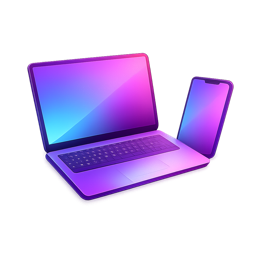
Although the whole concept of playing from every device might sound great, you need to keep in mind that it might be different on all devices. It is not the same if we talk about cloud gaming on an iPhone 18 that we know for a fact that are machines able to handle good graphics along with having a native browser such as Safari. The reason why we say this is because some people might get on board with cloud gaming and then realize that the experience is not what they have expected. The most common scenario is those wanting to play from their Smart TV; at first it might seem like a great option but you need to know that their browsing capabilities are not great and that will be reflected on your cloud gaming experience.
Connecting your own controllers
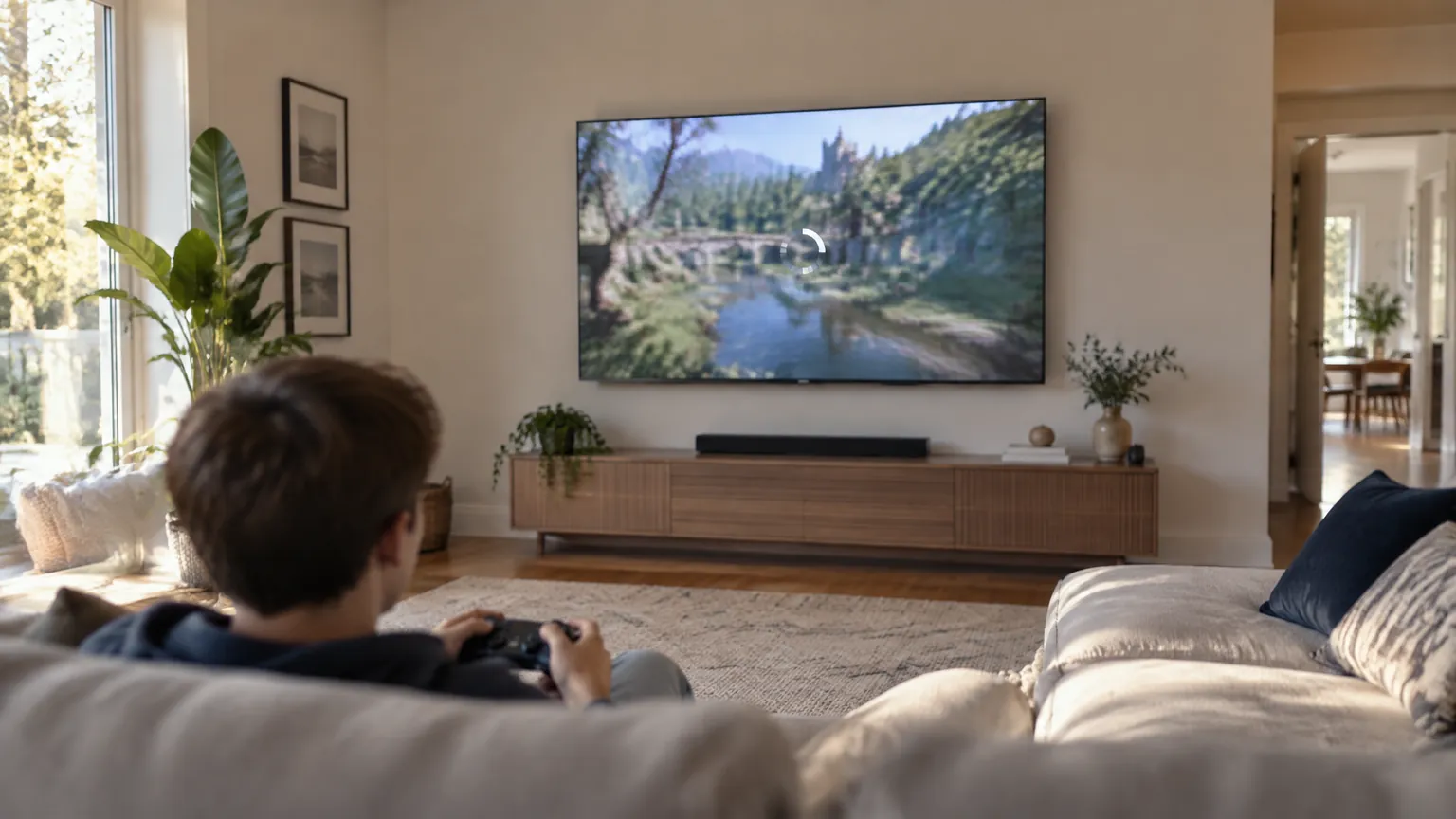
Most cloud gaming platforms have the capacity to use your existing controller to play without any extra setting. As these platforms are meant for gamers, most controllers are accepted without any restriction. Alternatively, you may also have the option to play with your keyboard and mouse as long as you do a simple setup of them.
What are the disadvantages
Cloud gaming might sound great up to this point and you might be wondering what are the flaws of this technology. As of right now, cloud gaming has evolved massively with new servers and more bandwidth that is available to the masses. Nevertheless, it is a fairly new service that still has plenty of limitations.
Recurring cost
One of the most questionable points of this service is its recurring cost. You might have heard that this is a great alternative as you do not need to buy expensive consoles, the truth is that it can get expensive over time. Also, cloud gaming requires somewhat special conditions to have a decent experience, if you have a bad or unstable internet connection you might get frustrated and disappointed.
Service outages
Like any online service, cloud gaming is not immune to sudden service outages that may affect your experience. Since two of the big players of this technology are Microsoft and Sony, they are constantly being targeted by unwanted people that try to overload or hack their system.